Mastering in Microsoft Excel
From basics to advanced automation - become an Excel power user and transform your productivity
Course Overview
Our comprehensive Excel course takes you from absolute beginner to advanced power user. Master the world's most popular spreadsheet software and unlock career opportunities across every industry.
Whether you're looking to boost your productivity, advance your career, or automate complex business processes, this course provides everything you need to become an Excel expert.
- Hands-on practice with real business scenarios
- Industry-recognized certification upon completion
- Lifetime access to course materials and updates
- Expert instructors with 10+ years of experience
- Flexible online and offline learning options

3 Months
Total Duration
40+ Hours
Practical Training
Project
Using Excel
100%
Job Assistance
Course Curriculum
Comprehensive syllabus covering everything from basics to advanced analysis
Detailed Syllabus
- Introduction to Excel & Navigation
- Entering, Editing & Formatting Data
- Working with Workbooks & Worksheets
- Basic Formulas and Functions
- Math & Statistical Functions
- Logical Operations
- Conditional Calculations
- Tables, Filters & Data Validation
- Charts & Graphs
- Lookup Functions
- Date & Time Functions
- PivotTables & PivotCharts
- What-If Analysis (Goal Seek & Scenario Manager)
- Error Handling
- Introduction to Macros (Automation)
- Interactive Dashboard Creation
- Power Query
- Project using Excel
What You'll Learn
- Master all Excel formulas and functions from basic to advanced
- Create powerful pivot tables and dynamic charts
- Build professional interactive dashboards
- Automate tasks with VBA macros and custom functions
- Use Power Query for data transformation
- Perform complex data analysis and what-if scenarios
- Apply conditional formatting and data validation
- Prepare for Microsoft Office Specialist certification
Course Packages
Choose the level that suits your learning needs
Basic
- Excel interface & Navigation
- Workbook & Worksheet management
- Cell referencing
- Formatting
- Data validation
- Basic math & Statistical functions
- Basic text functions
Intermediate
- Advanced text functions
- Logical functions
- Lookup & Reference functions
- Count functions
- Data & Time functions
- Data cleaning
- Tables & Structured References
- Sorting & Filtering
- Pivot table, Charts & Dashboards
Advanced
- Advanced charting
- Data consolidation
- Named ranges & Dynamic ranges
- Advanced functions & Power Query
- Pivot Tables & Charts
- Macros & VBA Intro
- Error handling
- Advanced Dashboard Design
Certifications You'll Earn
Industry-recognized credentials to boost your career

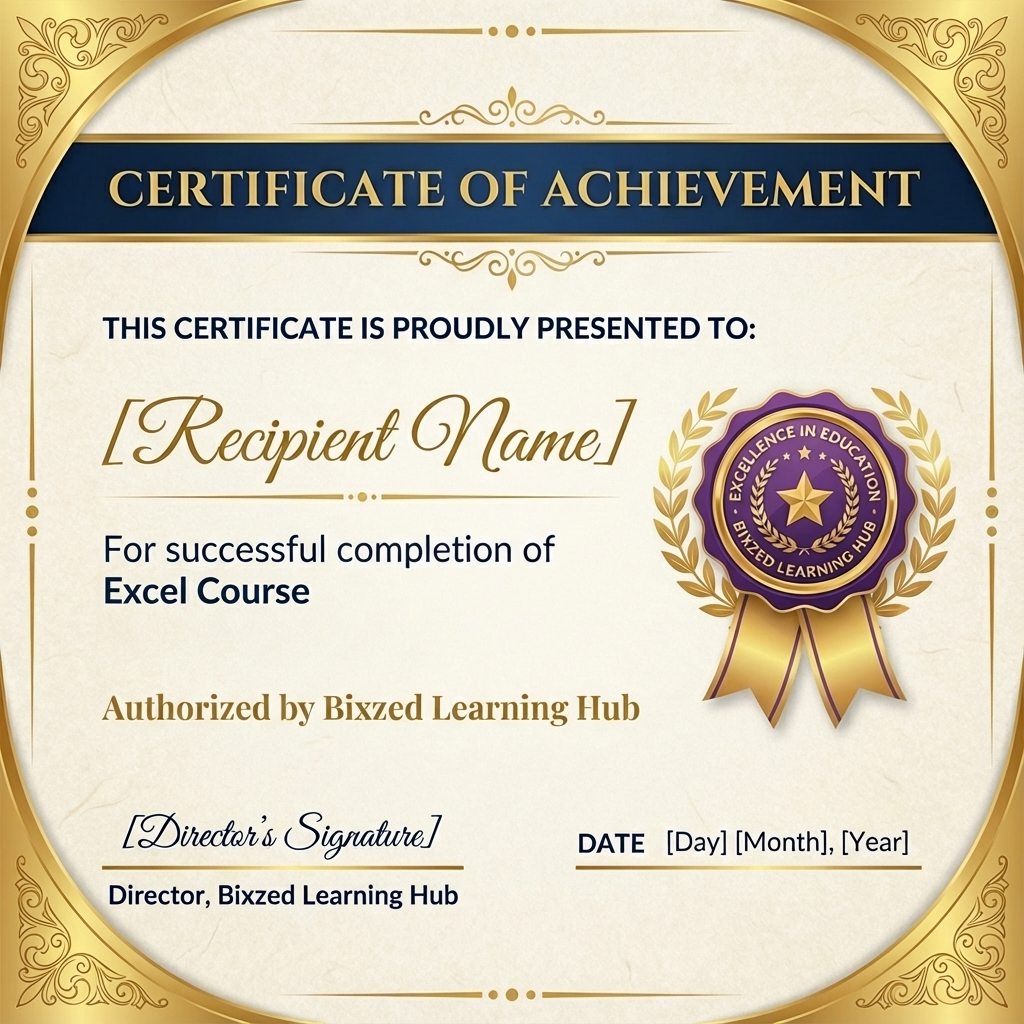
Course Completion Certificate
Official Certificate by Bixzed Learning
Ready to Master Excel?
Join thousands of successful students who have transformed their careers with our comprehensive Excel program.
Enroll Now